Quick relief
Room to breathe now. Caches and temporary muck may gradually grow back.
A free Mac tool from The Ideas Shed
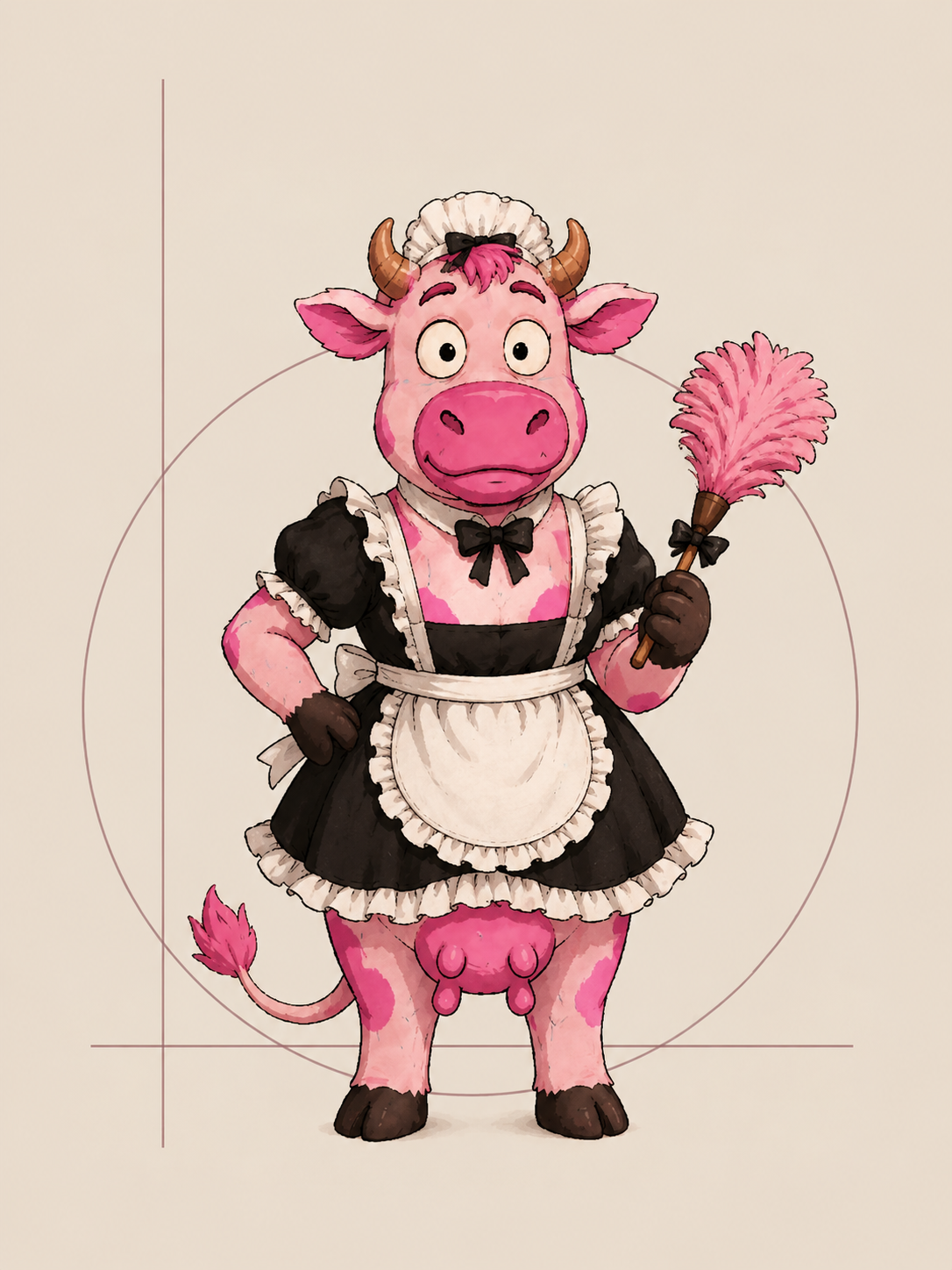
Milkmaid finds the easiest useful things to tackle and explains them in plain English. You decide what goes. Rummage Again measures the space you actually got back. Your score rises. The cow gets ridiculous.
Serious software. Silly cow. Free to use.
Free. No login. Read-only. Apple Silicon · macOS 13+ · Signed and Apple-notarised.
Real space. Increasingly ridiculous rewards.
Do something sensible. Rummage Again.
The more actual space you free, the more she clocks off.
Your score is earned by measured free space. Keeping something important is always the right decision.
Quick wins first. The deeper stuff when you want it.
Maximum useful space back with minimum fucking around. Milkmaid finds the simplest useful things first, explains the trade-offs, and leaves the decision to you.
Room to breathe now. Caches and temporary muck may gradually grow back.
Space that should stay free unless you reinstall or download the thing again.
Keep the file. Check a copy on your external drive. Get the bulk off your Mac.
Find out whether a cloud-backed file is also taking up local space.
Worth checking. Human judgement required. Big doesn’t mean rubbish.
System files, personal data or uncertain evidence. Hooves firmly off.
Cloud & this Mac
Milkmaid helps work out what is actually occupying local storage. If she isn’t sure, she says so. A cloud label alone is never a promise that deletion is safe.
Free. Local. Read-only.
Milkmaid reads local names and sizes. Your files, contents, paths and scan results are never uploaded.
You remain in charge
No automatic deletion. No file moving. Milkmaid shows you the exact item in Finder so you can make a sensible call.
Free. Local. Rather pink.
Yeehaa. Let the cow loose.
Apple Developer ID
The Ideas Shed LimitedSigned by our registered Apple developer team.
FREE.
Apple Silicon · macOS 13 or later
Open the downloaded DMG. Drag Milkmaid into Applications, then open Milkmaid from there. macOS verifies the signed and notarised app normally.
Files and scan results stay local. Milkmaid shares anonymous app activity and positive GB totals for the Global Muck Heap, without filenames or paths. Apple notarisation is a security check, not an Apple endorsement.
Free to use. Support always welcome.
If the cow earns her keep, our completely voluntary rule of thumb is roughly £1 / $1 / €1 per GB actually chucked.
Your support helps The Ideas Shed keep developing Milkmaid and other useful software. No paywall. No guilt. Still free.
Enter space you actually freed in the app. Demo GB aren’t real GB. The voluntary recommendation updates with your amount.
Share this cow and the demo: